C-Trace
Community Traceability for supply chain tracking and product provenance.
Overview
C-Trace enables businesses to track products through the supply chain, from origin to consumer. Each step in the process is recorded and verifiable via QR codes.
View Full C-Trace Guide →Key Features
Supply Chain Tracking
- Track products from raw material to finished goods
- Record each step in the supply chain
- Verify product authenticity at any point
Batch Management
- Create and manage product batches
- Assign unique batch identifiers
- Track batch history and movements
Step Check-ins
- Log each step in the supply chain process
- Attach photos, documents, and notes
- Timestamp and location tracking
Farmer/Producer Logs
- Record origin information
- Track farming/production practices
- Verify sustainable practices
Getting Started
1. Set Up Your Traceability Profile
- Log in to my.govalid.org
- Navigate to C-Trace Dashboard
- Create your traceability profile
- Configure your supply chain steps
2. Create Templates
- Define the steps in your supply chain
- Set required fields for each step
- Configure QR code templates
3. Generate Batch QR Codes
- Create a new batch
- Assign products to the batch
- Generate QR codes for tracking
4. Log Supply Chain Steps
- Scan QR codes at each step
- Enter required information
- Attach supporting documents
- Submit check-in
Traceability Dashboard
Monitor your supply chain with the C-Trace dashboard:
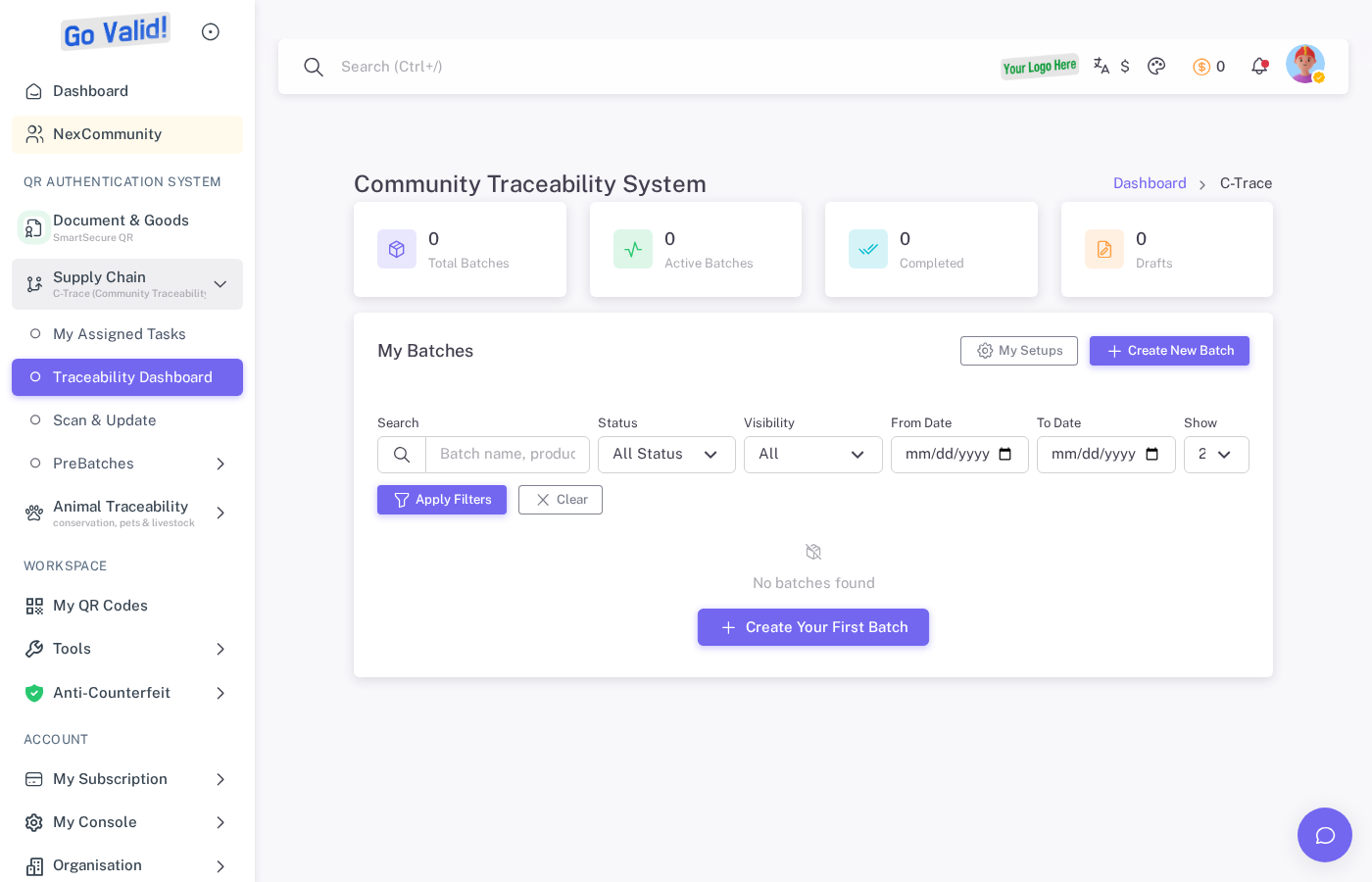
The C-Trace dashboard provides an overview of supply chain batches, assigned tasks, and traceability progress.
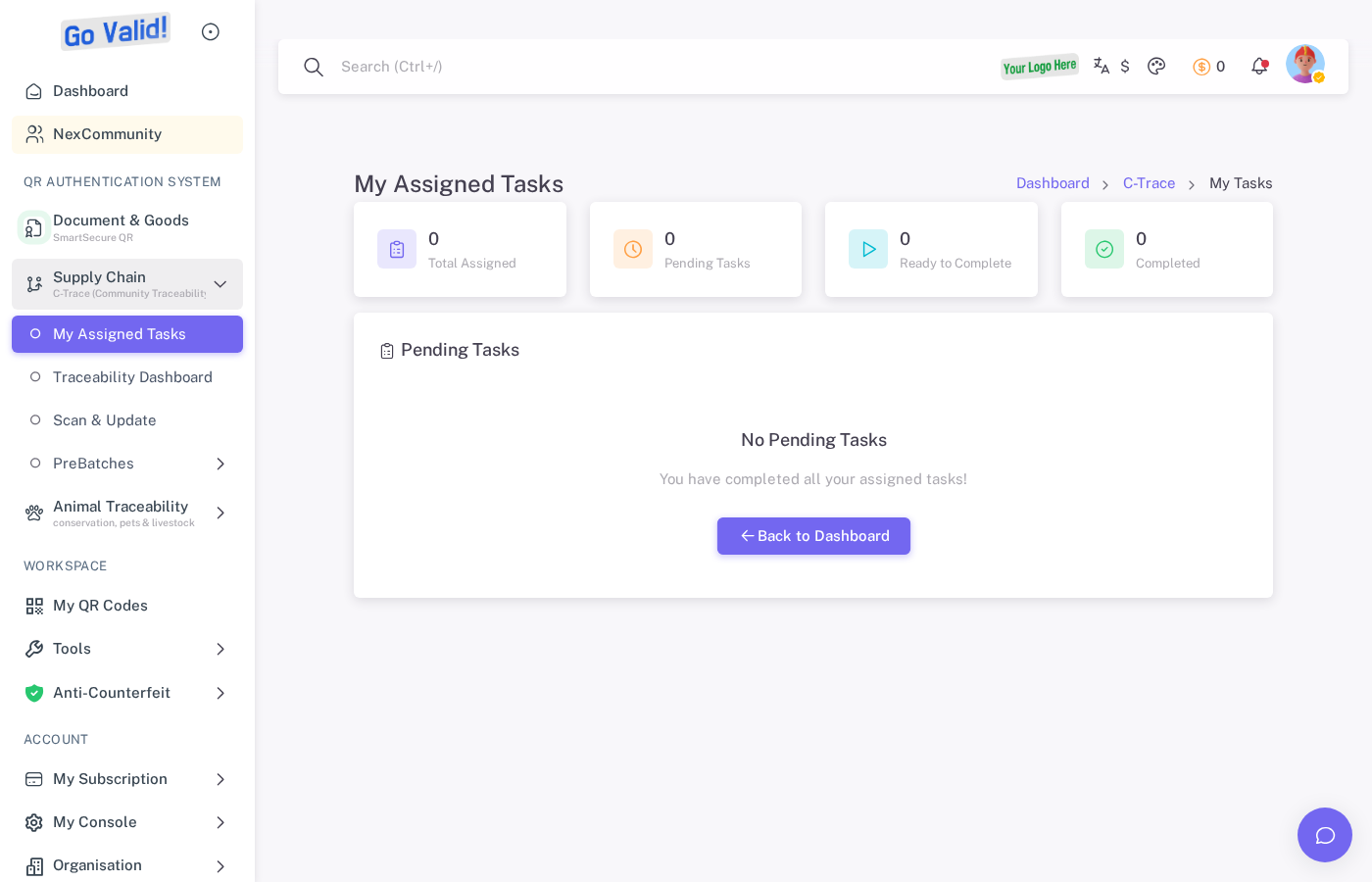
Assigned Tasks shows pending supply chain steps that require your action or verification.
- Step completion rates
- Product journey visualization
- Analytics and reports
API Access
C-Trace features are available via the REST API:
curl -X POST https://api.govalid.org/api/v1/ctrace/batches/ \
  -H "Authorization: Bearer YOUR_API_KEY" \
  -H "Content-Type: application/json" \
  -d '{
    "batch_name": "Coffee Batch 2025-001",
    "product_type": "coffee",
    "origin": "Aceh, Indonesia"
  }'
Interactive API Documentation:
- Swagger UI - Try API endpoints directly
- ReDoc - Full API reference
See API Reference for detailed endpoint documentation.
Use Cases
| Industry | Application |
|---|---|
| Agriculture | Farm-to-table tracking |
| Manufacturing | Production line tracking |
| Food & Beverage | Ingredient provenance |
| Textiles | Supply chain transparency |
| Pharmaceuticals | Drug traceability |
Related
- QR Codes - Create tracking QR codes
- Anti-Counterfeit - Product authentication
- Animal Traceability - Livestock tracking